
Protected Page
In order to increase your site’s protection, Sucuri offers an extra layer of protection to CloudProxy’s users. It is called Protected Page.
This option allows you to restrict access to certain pages on your site and it can also be used as a secondary authentication on your admin panels.
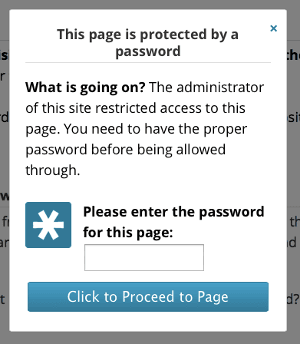
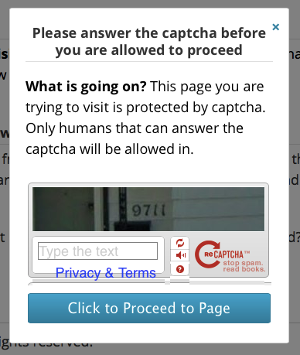
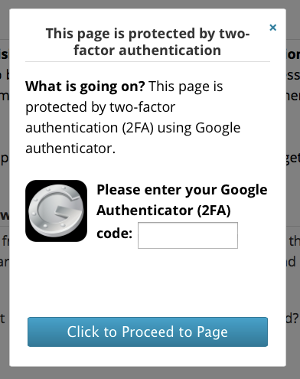
There are four authentication methods for you to choose from: passcode, captcha,two factor authentication and ip restriction. This is what site visitors will see:
Passcode
Captcha
Two Factor Authentication
Enabling Protected Page
To activate it, go to your CloudProxy’s dashboard and click on Settings and then click on “Security”.
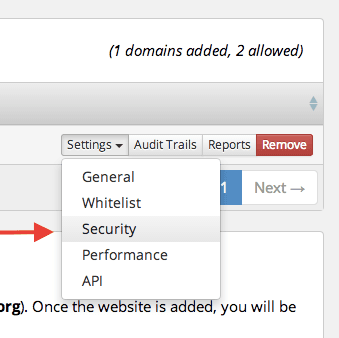
Scroll down and you’ll see:
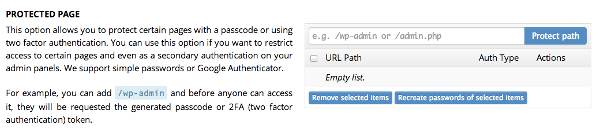 There, just add the page you want to protect, such as /wp-admin or /admin, for example and click on protect path. Then, choose which type of authentication method you want.

0
0